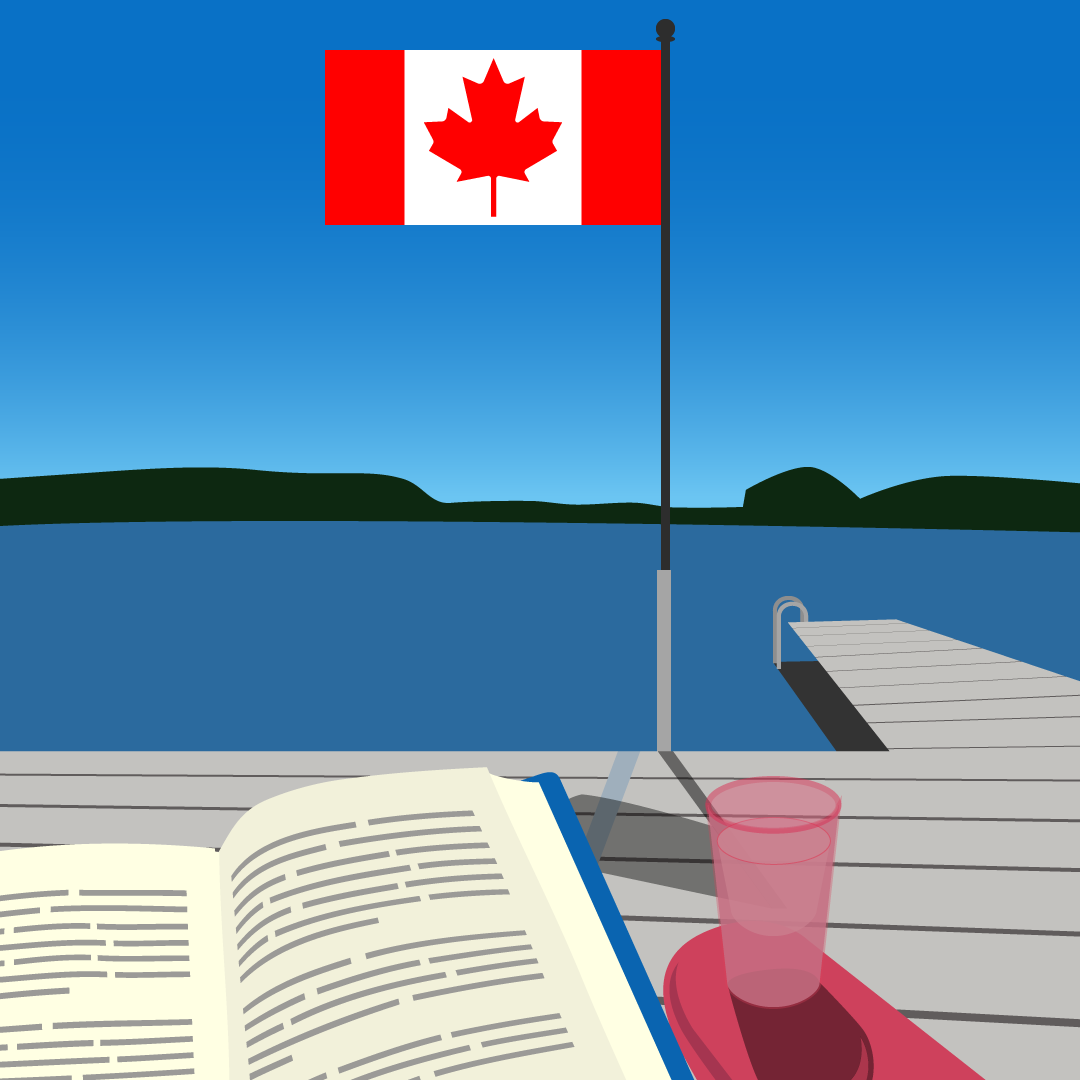
Cottage Dock Animation I created this in 2020 as a practice piece. I took the reference photo over the summer and I thought it would be a fun photo to recreate as a vector illustration. I took the image into Adobe Illustrator and using the reference photo, I recreated it. Once I was done, I thought I would take it one step further and create an animated gif from it. I wanted to use Adobe After Effects more and this was a perfect side project for me to do that. I formatted the Illustrator file so the layers would appear properly in After Effects to make it easier to animate. I was able to add the movement of the water in the lake and sway the Canadian flag like it was picked up by the breeze. When I was happy with it, I exported the file to Adobe Photoshop where I was able to create and export the files as a gif. If I am to ever create something like this again or go back and make changes I would: Add clouds in the sky (with some animation) Bring down the opacity of the flag Make it look like the page in the book is being flipped Adjust the gradient of the sky or figure out why it it looked like this after exporting as a gif file Change the colour of the water reflections so they are more prominent
Tmoji
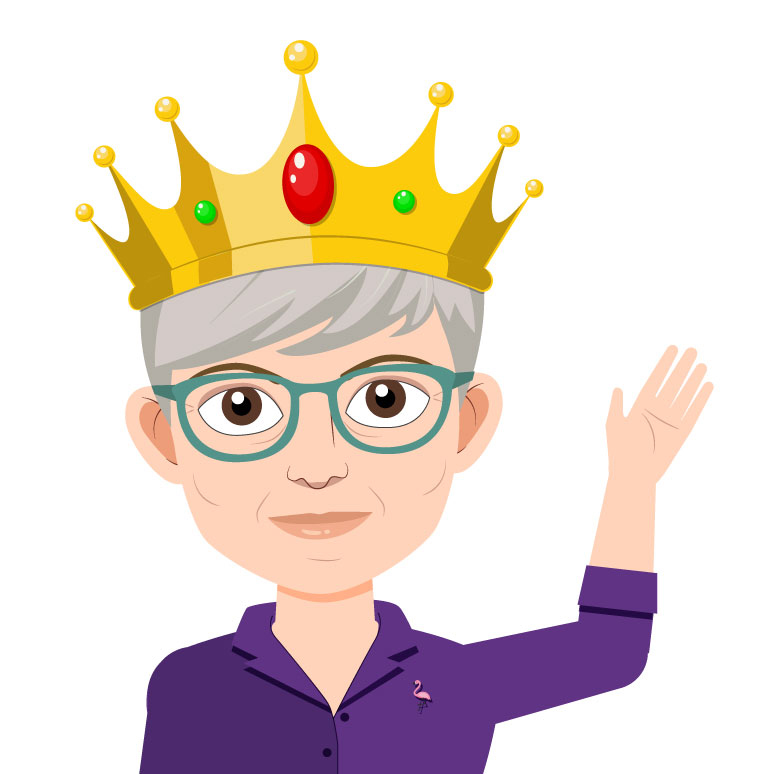
Tmoji Promotional Animation I created this caricature of Tamra Thomson, the CBA (Canadian Bar Association) Resolutions Queen. It is being used to encourage CBA members to submit, debate and vote on resolutions by the 2020 Annual General Meeting (AGM). It also provides key dates and deadlines as well as where to find information about the AGM and the resolutions. I created the vector file using Adobe Illustrator. I made sure to structure my file accordingly to make it easier for me when it was time to import it into another Adobe program to animate. I created the different hand gestures, her eyes open and closed. I created this caricature of Tamra Thomson, the CBA (Canadian Bar Association) Resolutions Queen. It is being used to encourage CBA members to submit, debate and vote on resolutions by the 2020 Annual General Meeting (AGM). It also provides key dates and deadlines as well as where to find information about the AGM and the resolutions. I created the vector file using Adobe Illustrator. I made sure to structure my file accordingly to make it easier for me when it was time to import it into another Adobe program to animate. I created the different hand gestures, her eyes open and closed. At first I thought I would use Adobe After Effects but then I learned that Adobe Animate could automate the lip syncing if I set up the character properly. I created a separate Illustrator file with all the phonemes on their own layers. Once I was satisfied with these, I imported the file into my Animate project and assigned each phoneme the correct lip shape. After the audio was recorded, I brought the file into my project. I used Animate’s lip sync feature to do the bulk of my lip sync animation based off the audio file. Once this was done, I went back in to fix a few parts that did not look right. Once that was done, I made the eyes blind in a constant loop throughout the animation so the caricature would look natural. Once that was done, I added some gestures to show Tamra pointing out different things in the video. I imported graphics and text to highlight key dates, deadlines and other helpful information based on the video script. Because the CBA is a bilingual association, once I was happy how one language looked I had to start over with the second language making sure they stayed as similar as possible. The English video: https://www.youtube.com/watch?v=rhdXqxrSx58 The French video: https://www.youtube.com/embed/8wJ7mQiPsTo Every year since the dates in the video have been updated, but in the fall of 2020 the audio files were also adjusted because due the COVID-19 pandemic the 2021 AGM could not be hosted in person. This meant I had to resync all of the lip syncs in both languages and realign the information to line up at the proper time with the new scripts. In the fall of 2022, I was asked to update Tamra’s look. Her glasses changed in this time and since the videos were used for 3 years in a row it was due for a refresh to make them eye catching again since. 2022 Updated Tmoji
Time’s Running Out
Time’s Running Out Motion Graphics The Canadian Bar Association (CBA) sends emails part of a campaign to get members and non-members of the Association to register for the many professional development conferences and webinars the CBA provides. I was tasked with creating an animation to go on the banner of the last chance emails for these conferences and webinars. The theme was to portray the idea of time is running out to register for these events. Many people have smartwatches these days so, I provided the same image of a closeup on a wrist wearing a smartwatch, with two different watch faces. One of a traditional analog clock and the other of an alarm clock notification. The branding for each conference and webinar is based on the colour associated with the CBA section that is running it. I created a version of each to show how it would look if the background was changed to match the colour that represents a couple of the CBA sections, who run the conferences and webinars.
More Than A Membership 2019
More Than A Membership 2019 Social Campaign Graphic I created these animations for the Canadian Bar Association’s (CBA) renewal campaign over the summer of 2019. Each animation was created in 4 different colour schemes and in both official languages (English and French). The original still image was created by an external company the CBA hired. About halfway through the campaign, social media platforms were starting to heavily promote video content. Because of this, I was asked to make each graphic a short animation to keep add some movement to the graphic while keeping to AODA standards. To create the animations, I first needed to open each file in Adobe Illustrator to make sure the elements were filed correctly in layers before bringing it into Adobe After Effects. When I brought the Illustrator files into After Effects, the first think I did was parent all the correct pieces together in the correct order making a rigged system for each element most of which were characters. I key framed the animation keeping it under 5 seconds and making sure it would loop seamlessly. Once I was happy with the key framing, I added easing to make the transition flow properly and made any minor tweaks likes adding extra frames or adjusting the transitions. Once I was happy with the animation, I exported it to Adobe Photoshop where I was able to export the file as a gif with an infinite loop.
Happy Holidays
Happy Holidays Social Media Animation A simple animation I created for the Canadian Bar Association to wish their social media followers, Happy Holidays. I created it in 2018 using Adobe After Effects. Because the Canadian Bar Association is a bilingual organization, I made sure the animation would transition seamlessly between English and French. I chose a script font and created the animation to make it appear as if the text is being written out by hand instead of typed. I provided two background colours to allow some versatility if the animation was used multiple times or in future years.
Lilo Dialogue
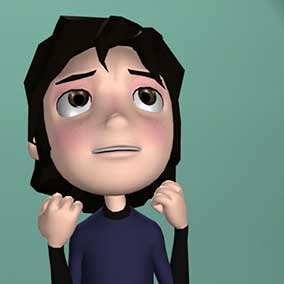
Lilo Dialogue Lip Sync Animation This was a project for my animation class. The objective of this project was to express emotion and the proper phonemes to make it look like the character is the one speaking inline with the audio. I created this animation was created in Autodesk Maya 2015 using the ElevenRig from the 11 Second Club. The lip sync audio clip is from Disney’s Lilo and Stitch. In order to create this animation, I needed a reference that would be filmed from a similar if not the exact same angle as I was using in my animation. This meant I had to create a reference video of myself acting out the scene as best I could with the exaggerated body movements that make animation come alive. The video to the right is my reference video. If I was to do this again, I would make the following changes: I would add more detail and exaggeration to the movements Record a second reference video focused on my facial expressions