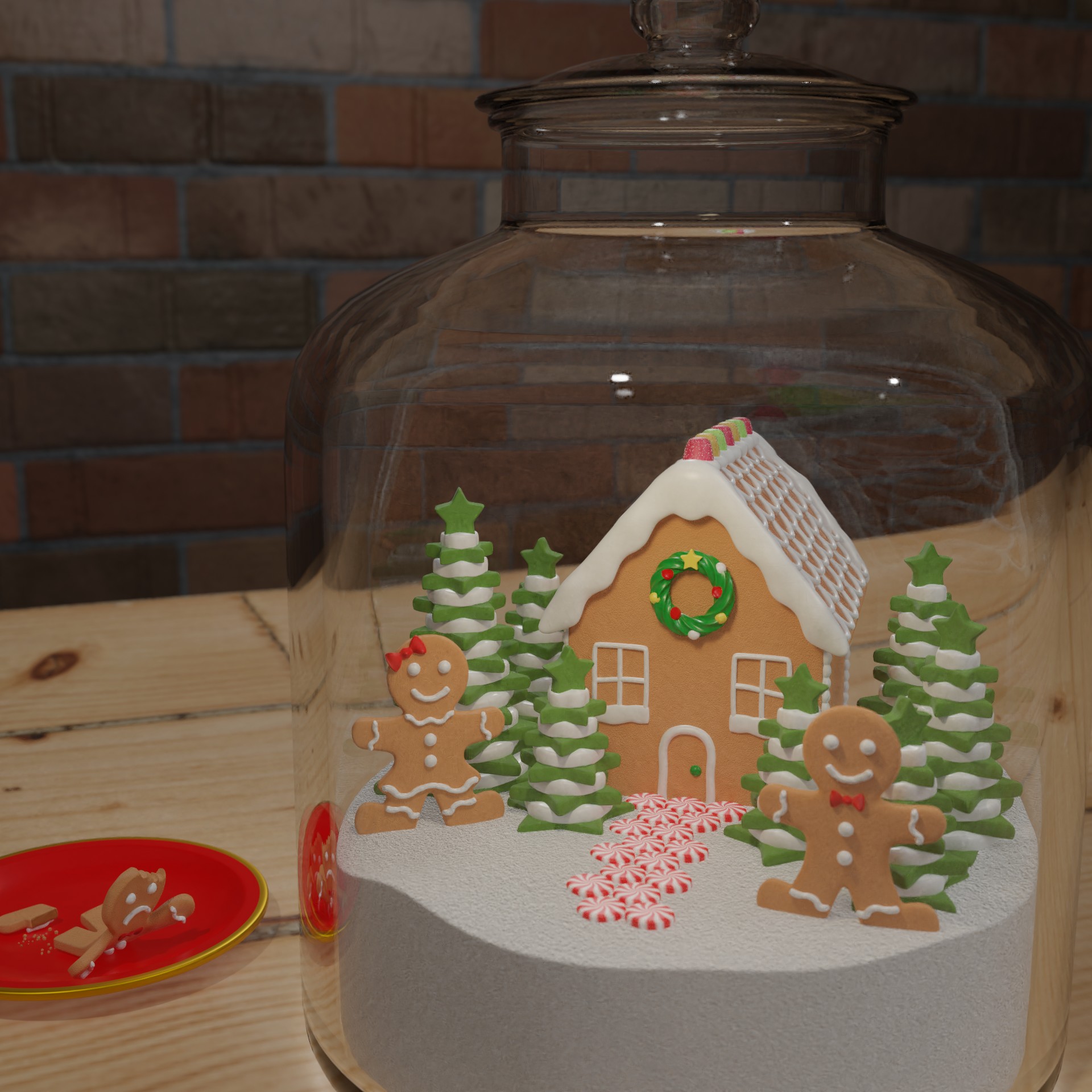
World In a Bottle 3D Model I participated in 32nd CG Boost Challenge with the topic “World in a Bottle” in November 2021. This was my entry. I like to bake in my free time, but especially around Christmas time. When I read the description of this challenge all I could think of was a gingerbread village. I started with modeling the gingerbread man, then moved on to the house, the trees, the gingerbread woman, and the rest of the environment. While I was setting up my scene, I felt like something was missing. I then came up with the idea of having one cookie on a plate reaching for help from the cookies in the jar. This is the first big project I worked on with this many elements without following a tutorial. Working on this almost every night for the 3 weeks of the challenge has helped me familiarize myself with the tools and become quicker when adding or editing elements in the scene. These are the steps I took to create the final addition. Phase 1 The jar is far from the camera with no lid, and the gingerbread house is missing a lot of detail. There is a gingerbread man and gingerbread woman in the jar with the house. Phase 2 The gingerbread house has two windows on the front. There are cookie trees of various sizes around the gingerbread house Phase 3 The jar has a lid and a few more trees have been added. Phase 4 The camera is closer to the jar. The gingerbread man and woman have switched places. Phase 5 The gingerbread house has roof details and the front door added to it. Phase 6 Peppermint candies have been added to the walkway in front of the gingerbread house and one is added to the front of the gingerbread house. Phase 7 The peppermint candy on the house was changed to a wreath and a plate with a gingerbread man was added to the left of the jar. Phase 8 The plate is red on the inside with a gold trim. Phase 9 The camera is closer the the jar, the plate is in the background, the plate has less gold around the trim , the gingerbread man on the plate is bigger, and the render aspect ratio has been changed to 1:1 Phase 10 The gingerbread man on the plate is laying on his stomach reaching for the jar with a leg detached Phase 11 The jar lid was made smaller to look more like a bottle shape. This was the final image that was submitted. Wireframe When I submitted the final I also had to include a clay version of the scene with wireframes to prove I created this scene.
Apples
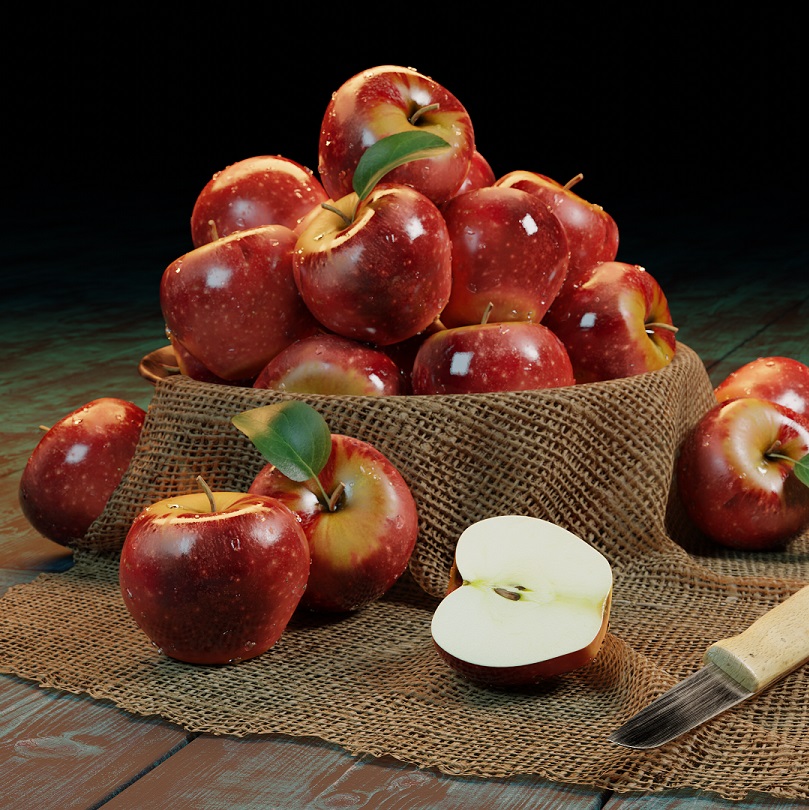
Apples 3D Model Final Render Wireframe I created this in 2021 as a way to learn how to use the 3D modeling software, Blender. I followed along with the CG Boost Blender 2.8 Beginner Tutorial. I love how it turned out in the end. I can’t wait to use what I learned from the tutorial on other projects.
Essay Contest
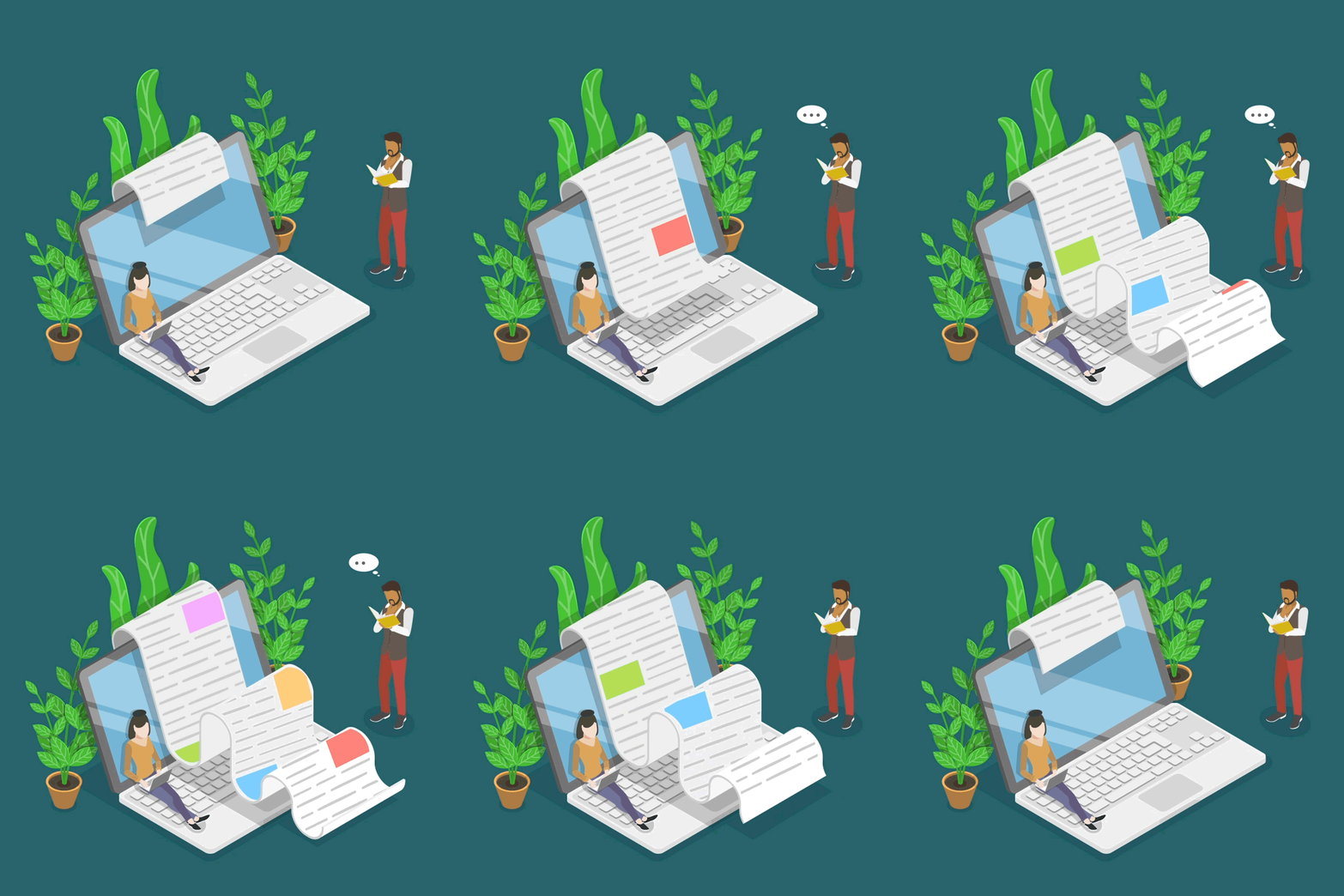
Essay Contest Promotional Animation Every year, the Canadian Bar Association (CBA) holds essay contests for law students. The old branding was themed around coffee with the slogan “Caffeinate your Career.” At the end of 2019, they wanted to update the branding. I worked alongside one of my coworkers come up with the general theme and look we wanted the rebrand to include. We knew we wanted to create something animated since most of the promotion would be done through social media where video does better than a static image. We first came up with the concept of a pen writing across the screen. We thought this was a simple way to represent essay writing. We received feedback that there may be a disconnect since most students write essays on their laptops. We went back to the drawing board and came across the below image on iStock. We thought it would work well to animate while portraying the idea of essay writing. Since we were on a time crunch, we didn’t have time to create our graphic from scratch and animate it in time to start promoting. We decided to show the image we found on iStock to get the approval to purchase the it. I created a storyboard to show how the animation would move to back our idea before purchasing the image. Storyboard Once we got the approval, I purchased the image and started working with the image in Adobe Illustrator. To make it animate, I had to make sure all the moving parts were on separate layers before importing them to Adobe After Effects. I also had to edit some of the colours to make them fit with the CBA’s branding. Once I was finished working in Illustrator, I made sure all the joints were in the proper parenting hierarchy. Next, it was finally time to start animating. I started with the plants because they were the least complex part to animate. I made them sway slightly and made sure the animation would loop seamlessly before moving on to the thinking man. I originally had the idea to make him walk but thought it would be too much. Instead, I changed it to him looking down at his book, tapping his foot then looking up again. Once I was happy with this animation and it looped correctly, I animated the thinking bubble above his head. Finally, it was time to work on the main animation – the paper. I wanted to make it look like a receipt being printed. Each hump is an individual object in the file. I used a clipping mask to make the paper appear as it is unraveled, but I also used a clipping mask to make the text on the paper appear to be moving over each hump properly. The next year (2020), I were asked if I could change the colours to freshen up the branding once again. 2019 Version 2020 Version
Kitchen
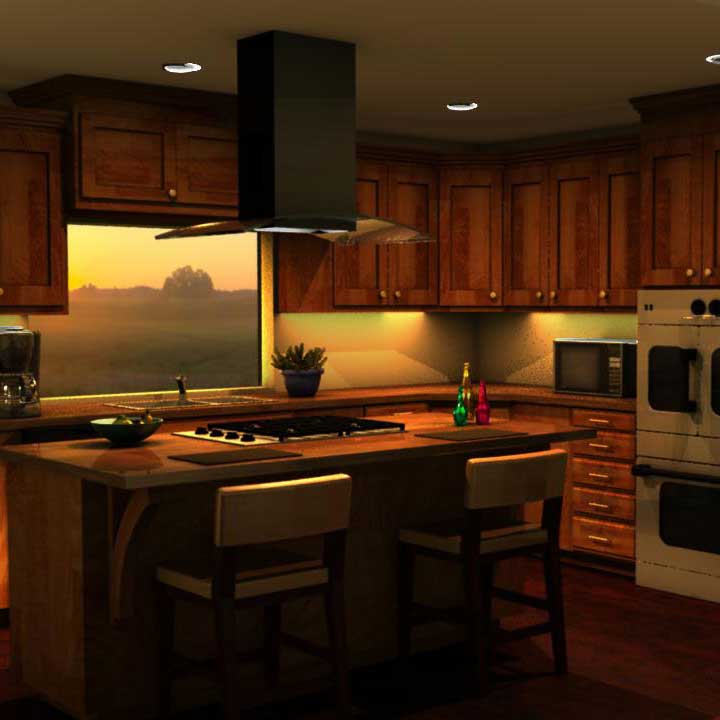
Kitchen 3D Model This is a kitchen I modelled and textured in Autodesk Maya 2015. The goal of this project was to recreate a kitchen with certain objects references and time of day like what would be asked of us if we worked for an animation studio. My references were the sun setting, the kitchen layout, the particular double oven with two doors on the top oven, a microwave, a coffee maker, a succulent, a bowl of fruit and some glass bottles. To create my scene, I created the sunset lighting using the image outside the window. I assembled each item in their own files and referenced them in the main scene. This made it easier to edit each item individually without trying to render a lot of information at once, and it would update in the main scene file, making the changes seamless. This is one of the first 3D projects I created. If I was to make this again, I would make the following changes: add more lighting so the image doesn’t look so flat and pixelated in some areas edit the materials to make the metallics more reflective scatter objects around to move the eye around the scene without areas feeling empty